


 GestiTec Admin
 GestiTec Operaciones
 GestiTec Personal
 GestiTec Negocio
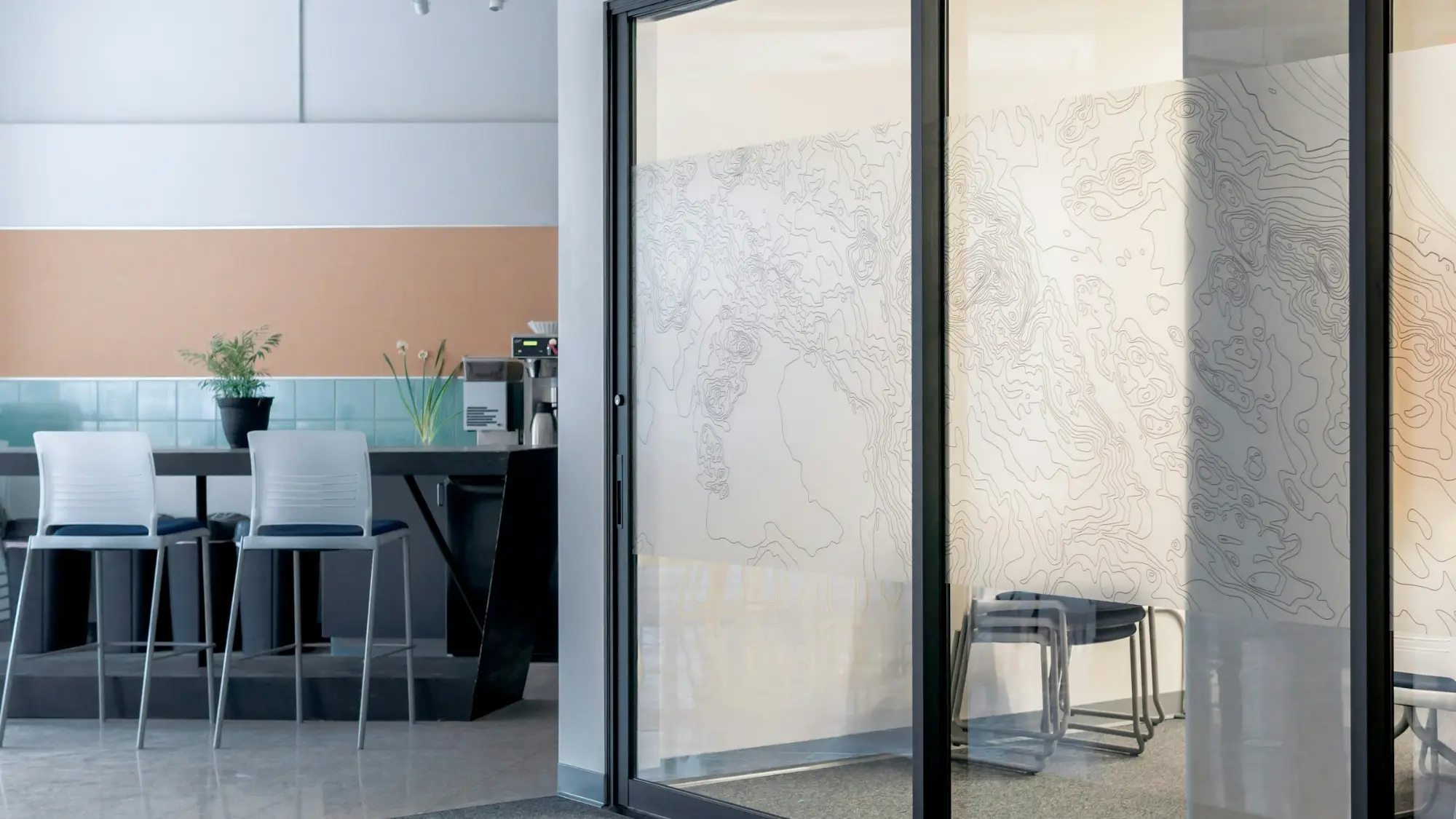
Software for automatic door maintenance companies
Call-outs with their severity that reach the technician’s phone, service visits by contract and the service history of every door. We’ll show you what already fits.
What GestiTec Core already does for your maintenance
The schedule, the call-outs, the checklist, the signed report and the history work the same in any maintenance job.
The call-out, on the technician’s phone
The loading bay that’s out of action comes in with its severity, gets assigned and the technician is notified straight away.
Service visits with their interval
Each contract has its own: when the service visit for the entrance sliding door is closed, the next one is created.
Checklist, photos and signature
Sensors, closing force and release, point by point, and the client receives the signed job report by email.
The service history, before touching it
What was adjusted last time and who did it, even if it wasn’t the same technician.
How the technician closes a job report
These are the app’s screens, with sample data.
- Open the visit
- Tick the checklist
- Sign
- Send the job report
The signed job report is already in the office. Nobody had to write it up.
The technician’s phone
Job report sent
The customer gets their copy by email.
In 1 month · DecemberThe office, at the same time
Maintenance
Monday · 9 NovThe signed job report is already in the office. Nobody had to write it up.
What our clients say
Google reviews
Utilizamos GestiTec tanto en oficina como con nuestros técnicos para gestionar los mantenimientos […]. Tenemos toda la información de los elevadores centralizada […] y los técnicos realizan los mantenimientos directamente desde el móvil. Siempre que hemos necesitado ayuda o algún cambio, la atención ha sido rápida y cercana.
Original review in Spanish
Already using GestiTec? Leave a review on Google
Frequently asked questions from automatic door maintenance companies
See all questionsToday GestiTec Core’s unit records are designed for lifts: type, make, model and OCA. The schedule, call-outs, checklist, signed job report and service history work the same way for your service visits; in the demo we look at your doors to see what already fits and what doesn’t.
Yes. Whoever takes the call-out logs it with its severity and assigns it to the technician who can go, who gets the notification on their phone. Afterwards it’s recorded in that door’s service history, not in the head of whoever went.
Yes. Service visits that are past their date show up under “Overdue”, on the office’s Home screen, and each technician also sees their own.
There’s no client portal today. Call-outs are logged by the office or the technician, and the office can see the status of each one. When it’s closed, the client receives the signed job report by email.
Shall we see if it fits your doors?
Tell us how you work and we’ll show you in a demo what already fits and what doesn’t.
- No obligation
- You deal with the team that builds it
- Quick reply